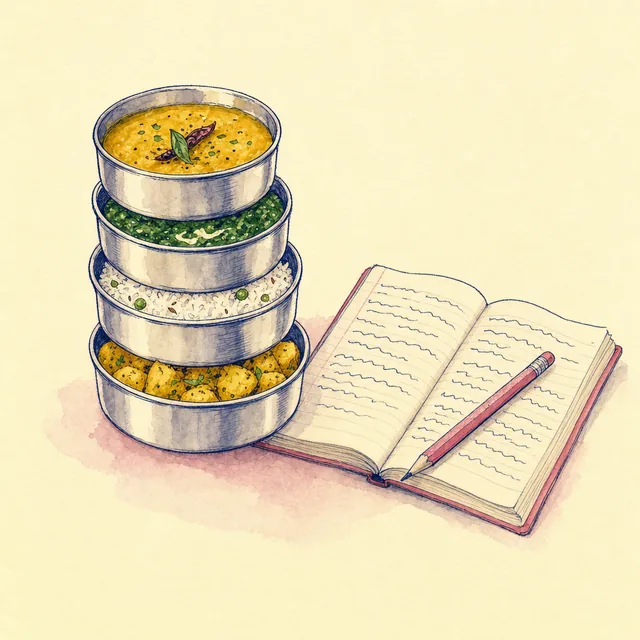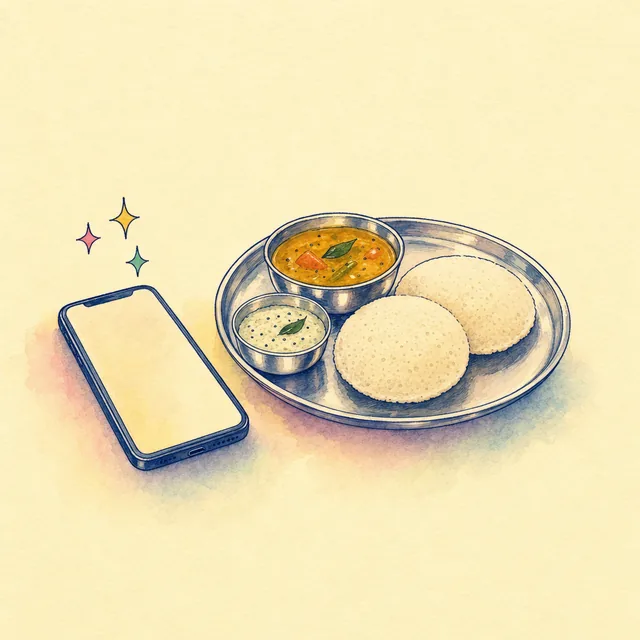
Logging food is the bit everyone gives up on. Searching "dal" and scrolling past forty kinds of dal does not help. So BollyWeight lets you take a photo of your plate or type what you ate in plain words, like "2 rotis, a katori of dal and some bhindi", and it does the searching for you.
What it needs
AI logging uses Apple Intelligence, the AI built into recent iPhones. You need an iPhone that supports it, with Apple Intelligence turned on in Settings, and iOS 26 or later. If your phone cannot do it, the AI tab says exactly why (not supported, switched off, still downloading) and everything else in the app works as usual: search, barcode scan and quick add.
How a plate becomes a diary entry
- You add up to 3 photos, or up to 400 characters of text, or both. A few words help a photo, like "with ghee".
- The AI lists the foods it sees, each with an amount. It does not make up calories at this step.
- Each food is looked up in the app's own lists first: things you have logged before, your own foods and recipes, and the built-in list, which includes 100 checked Indian dishes. Everyday Hindi words work too, so dahi finds yogurt and chawal finds rice.
- For a match, the numbers come from the list. Only a food with no match gets numbers from the AI, and those are checked for sense (no food can have more than 9 kcal a gram, and the protein, fat and carbs must add up) and marked "AI guess, please check".
On iOS 26 the AI gets a short list of what is in the photo rather than the photo itself, so typing a few words helps more there. On iOS 27 and later it can look at the photo directly.
You stay the editor
Nothing goes into your diary on its own. The results appear as an "AI Plate" with a total. You can tap any line to change the amount, add lines one by one or all together, or discard the lot. A photo of a nutrition label is read as a label. Your first AI log also wins a trophy, Andaaza Apna Apna.
What stays on the phone
The AI step runs on your iPhone, so your photos and words are not sent to us or to an AI company. One honest exception: if the AI says an item is a packaged product, the app can search a public packaged-food database online for it, sending only the product words. You can turn packaged-food search off in Food settings.
What it cannot do
- It can be wrong about what is on the plate and how much. Check the plate before you add it; the app says so too.
- It cannot see hidden things: the ghee in the dal, the sugar in the chai. Add them in words.
- It has daily, weekly and monthly limits on tries, counted on your phone. The AI tab shows how many are left today.
- It does not work on older iPhones, without Apple Intelligence, or in every language.