Every film has a supporting cast. Here is ours.
1. Trophies with filmi names
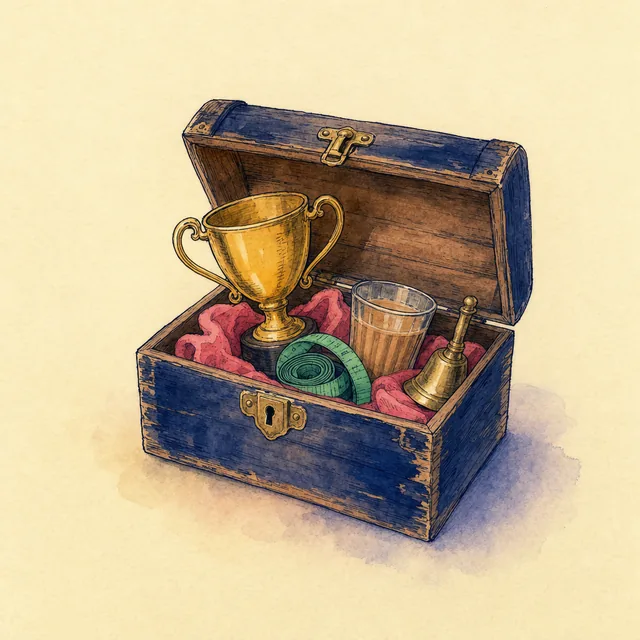
There are 55 of them, from Debut (your first weigh-in) to Dus Ka Dum, Trendulkar and Slimosa. Each one has a plain line under it saying what you did, and you can share a trophy as a picture. If you are gaining on purpose, Lower KG becomes Upper KG.
2. Three home-screen widgets
Calories (small), Macros (medium) and Quick actions (medium), which has buttons to weigh in, log food, use AI or scan a barcode without opening the app first.
3. A Home screen you arrange
Home is made of tiles: 16 of them in five groups, 13 switched on to start. Hide the ones you do not care about, hold and drag to reorder. The top card has three pages you swipe through, and you can set their order.
4. 22 app icons
Navy, Pink, Night, Marquee, Thaali, Curtain call, Gold, Diamond and more. Settings has the picker.
5. Progress photos with a slider
Take photos as you go, then compare any two with a divider you drag across, with the days between them and the weight change written underneath. Photos earn trophies too: Screen Test, Portfolio, Calendar Shoot, Showreel.
6. Body compare
This week against last week, this month against last, or any two days you pick: weight, BMI, body fat, tape measures and any numbers your scale sends, with arrows coloured by which way your goal points.
7. Recipes from a link
Paste a recipe link and Import. The app reads the recipe on your phone and builds it as a recipe you can log in portions. You can also build your own and keep favourite foods, up to 50, with nicknames.
8. Quick check-in
If the weekly check-in feels long, Settings has a Quick check-in switch that skips straight to your new plan. You can also switch off single steps you never use.
9. A PIN lock with a curtain
Turn on the PIN and the app locks when you come back after 30 seconds away. In the app switcher, your numbers hide behind a plain navy cover, so a nosy cousin sees nothing. Forgot the PIN? Face ID can switch the lock off.
10. Reminders that know when to stop
Weigh-in, food and check-in reminders are set for the next three days only, and a reminder is skipped if you have already done the thing. So the app never nags you about a weigh-in you did at 7 am.
What it cannot do
- Widgets and app icons are iPhone features; how they look depends on your iOS version.
- Progress photos stay on your phone and are not part of the backup file, so keep your iPhone backed up if they matter to you.